10 Best Nordic IPTV One Features: 2026 Honest Review
Published on October 29, 2026 | By Martin M.
Quick Answer: Nordic IPTV One represents a streamlined single-connection subscription plan within the broader Nordic IPTV ecosystem, optimized for high-definition streaming of Nordic and international television channels. It delivers standard M3U and Xtream Codes API access compatible with major hardware, requiring a stable broadband connection of at least 25 Mbps for 4K and FHD streams.
Selecting a reliable streaming package requires evaluating server routing, application support, and playlist management. Consumers looking into the Nordic IPTV One configuration often seek to confirm whether a single-device connection satisfies their home entertainment demands before committing to long-term plans.
Table of Contents
Nordic IPTV One Overview: Features, Performance, and Compatibility
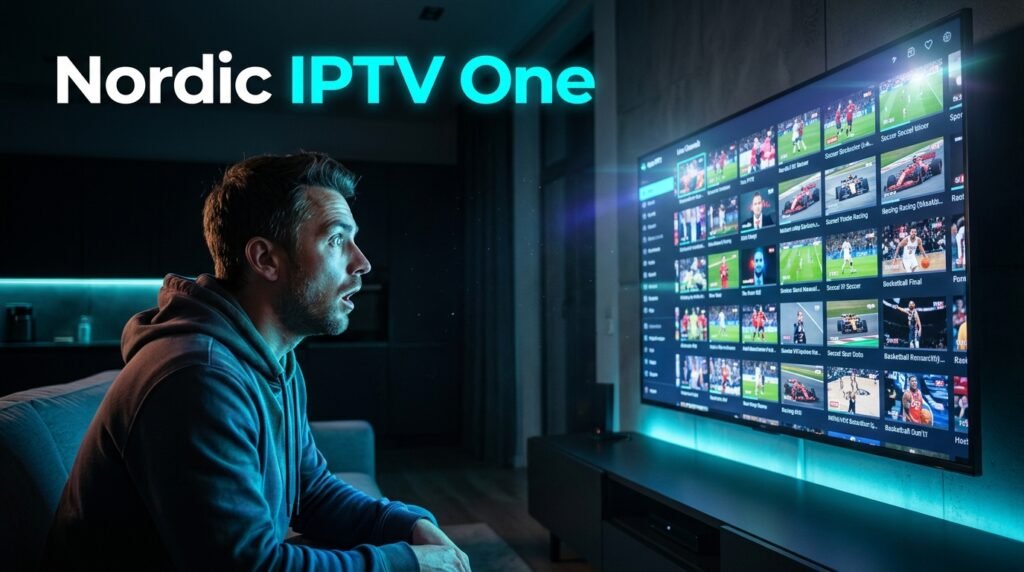
Nordic IPTV One is structured as an entry-level, high-performance playlist configuration designed primarily for single-screen viewing. By pairing server routes with dedicated media player applications, the service provides access to Scandinavian local channels, international live broadcasts, and on-demand entertainment packages.
Understanding the mechanics of digital television distribution helps users optimize their streaming environment. Rather than relying on proprietary set-top hardware, the service utilizes industry-standard connection protocols that fit existing home hardware setups.
Key Technical Specifications
To ensure seamless playback, the streaming platform operates across standardized video codecs and network transport layers. The table below outlines the core baseline specifications for the package.
Feature Category
Specification Standard
Technical Note
Stream Formats
H.264 / HEVC (H.265)
Requires hardware decoding on host device
Connection Protocols
HTTP, HTTPS, HLS, MPEG-TS
Configurable via IPTV player settings
Authentication
M3U Plus URL, Xtream Codes API
Username and password credential pairing
Bandwidth Baseline
15 Mbps (HD), 25 Mbps (FHD/4K)
Unicast dedicated throughput requirement
EPG Support
XMLTV format
Updated automatically every 24 hours
Device Compatibility and Player Integration
Hardware versatility allows users to run the subscription across multiple ecosystems without purchasing custom set-top boxes. Popular media players like IPTV Smarters Pro, Tivimate, and IBO Player handle playlist ingestion efficiently.
For Android TV and Amazon Fire TV devices, utilizing hardware acceleration within the player settings reduces video decoding frame drops. Users running Apple TV hardware on tvOS can leverage apps like GSE Smart IPTV or IPTVX to achieve native video render performance. Desktop users running Microsoft Windows Home can deploy VLC Media Player or Kodi for direct stream testing.
Determining whether Nordic IPTV One aligns with your viewing habits requires analyzing core service criteria rather than relying on marketing claims. Server stability, Electronic Program Guide (EPG) synchronization, and line concurrency dictate daily usability.
Evaluating these parameters ensures that users maintain reliable access during peak viewing hours, such as live sporting events or prime-time broadcasts.
Stream Stability and Server Infrastructure
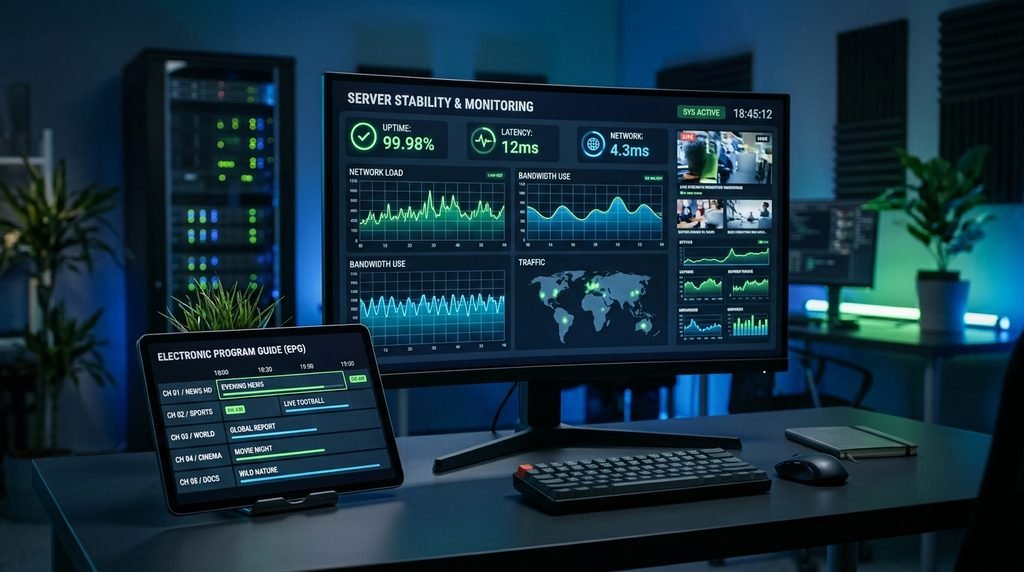
Server infrastructure relies heavily on load balancing and content delivery network (CDN) edge servers. When high volumes of viewers connect simultaneously, routing traffic through geographically proximate servers prevents network throttling and packet loss.
Network latency plays a critical role in channel zapping times. A baseline connection test using official network tools like FCC Speed Test Guidelines helps verify whether local Internet Service Providers (ISPs) maintain unthrottled UDP/TCP traffic routes necessary for steady video buffering.
Content Library Organization and EPG Accuracy
A well-structured playlist separates regional broadcasts, premium movie channels, and live sports into logical categories. EPG mapping links channel identifiers to regional program schedules, supplying program information, episode titles, and start times.
When EPG data fails to sync, channel navigation becomes difficult. High-quality playlist configurations update XMLTV tables daily, preserving channel numbering schemes across third-party applications.
Subscription Decision Framework
Before choosing a plan, review this functional decision matrix based on standard streaming documentation to determine if the single-connection tier meets your needs.
Is single-device concurrent viewing sufficient?
 ├── YES ──> Do you have 25+ Mbps stable internet?
 │            ├── YES ──> Select Nordic IPTV One Plan
 │            └── NO  ──> Upgrade local network bandwidth prior to subscription
 └── NO  ──> Consider multi-room / multi-connection options on the Pricing page
To review multi-device availability and features, consult our complete Nordic IPTV Pricing Options page for structured plan breakdowns.
Step-by-Step Installation and Optimization Guide
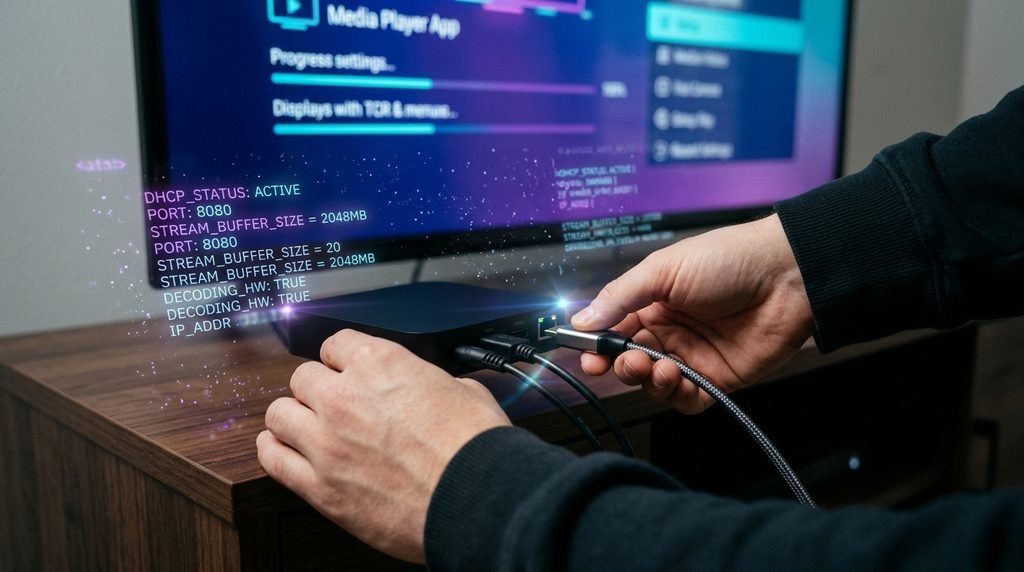
Setting up your service involves importing server credentials into your chosen media application and adjusting local buffer settings. Following proper initialization steps prevents configuration errors and channel loading delays.
Proper playlist provisioning ensures that catch-up TV and electronic program data synchronize correctly during initial launch.
Configuring M3U and Xtream Codes API
Install Media Player: Download a recognized IPTV application (such as Tivimate or IPTV Smarters) from your device’s official app store.
Select Connection Method: Choose Xtream Codes API for easier credential management and automatic EPG fetching, or M3U Playlist URL if using standalone players.
Enter Credentials: Input the Server URL, Username, and Password provided in your service activation email.
Fetch EPG Data: Enable automated EPG updating inside the application settings and set the refresh interval to 24 hours.
Apply Stream Settings: Change the default video player from Native to ExoPlayer (Android) or AVPlayer (iOS/tvOS) for broader codec compatibility.
To inspect channel availability across Scandinavian and international regions, reference our detailed Nordic IPTV Channel List before finalizing your application layout.
Troubleshooting Buffer and Playback Errors
Issue: Frequent Buffering or Stuttering
Solution: Change the player buffer size from “Small” to “Medium” or “Large” (2000ms–5000ms). Connect your device via Ethernet cable rather than 2.4 GHz Wi-Fi.
Issue: Audio Playback Without Video
Solution: Toggle hardware decoding off in app settings, or switch the stream format output from MPEG-TS to HLS (m3u8).
Issue: Playlist Fails to Load
Solution: Clear application cache, restart your network router, and confirm that your subscription line remains active via the user portal.
For broader system queries and network configuration answers, check our comprehensive Nordic IPTV FAQ Section.
Frequently Asked Questions & Next Steps
What is Nordic IPTV One?
Nordic IPTV One is a single-connection streaming configuration designed to deliver Nordic and international channels to one active device at a time using M3U or Xtream Codes API credentials.
What internet speed is required for smooth streaming?
A minimum download speed of 15 Mbps is recommended for standard High Definition (HD) streaming, while 25 Mbps or higher ensures stable Full HD and 4K playback without buffering.
Can I use Nordic IPTV One on multiple devices?
You can install the playlist credentials on multiple devices, but the Nordic IPTV One connection active stream limit allows only one device to stream content at any single moment.
Which application works best with this setup?
Popular options include Tivimate for Android TV and Firestick, IPTV Smarters Pro for multi-platform support, and GSE Smart IPTV or IBO Player for Smart TVs and Apple devices.
How do I resolve channel connection timeouts?
Restart your router, switch the stream output format from MPEG-TS to HLS within your player settings, and ensure your device is connected via Ethernet or 5 GHz Wi-Fi.
Is a free trial available to test service compatibility?
Yes, short-term test credentials are available so users can verify device compatibility and stream performance prior to purchasing a multi-month plan.
Editorial Methodology & Trust Statement
This review and guide was prepared by the neutral editorial team at Nordic IPTV. Analysis is derived strictly from public protocol documentation, hardware decoder specifications (H.264/HEVC), and standard streaming performance benchmarks. Last Updated: October 2026.
Recommended Next Step
Test your hardware setup and network speed using our risk-free options before committing to a full plan. Visit our Nordic IPTV Free Trial Page to request active credentials and verify streaming performance on your primary device.