Best Finsk IPTV Setup 2026: 4 Easy Steps to Live Channels
Published on October 31, 2026 | By Martin M.
Finding reliable access to Finnish television broadcasts-whether for live Liiga ice hockey matches, national news on Yle, or commercial entertainment on MTV3 and Nelonen-requires an understanding of modern Internet Protocol Television architecture. Streaming finsk iptv content via high-speed internet provides a flexible alternative to traditional cable or satellite systems.
Quick Answer: Finsk IPTV uses internet protocol streams rather than traditional satellite or cable to deliver Finnish channels like Yle TV1, MTV3, and Nelonen directly to smart devices. By configuring an IPTV player app with M3U or Xtream Codes API credentials from a service like Nordic IPTV, viewers can watch live regional broadcasts in HD and 4K quality with automated EPG program guides.
What Is Finsk IPTV and How Does It Deliver Live Television?
Finsk IPTV refers to digital television distribution using the Internet Protocol suite to stream Finnish channels, live sports, and video-on-demand content directly to connected screens. Rather than capturing radio frequencies via broadcast towers or satellite dishes, IPTV receives encoded video packets over standard broadband connections.
This approach allows viewers across Finland, the wider Nordic region, and international expat locations to access broadcasts on demand. Platforms like Nordic IPTV aggregate live streams and organize them into standardized digital playlists.
According to streaming standards published by the Federal Communications Commission (FCC), real-time high-definition video transmission relies heavily on low packet loss and consistent latency rather than raw download capacity alone.
Core Architecture: M3U Playlists and Xtream Codes API
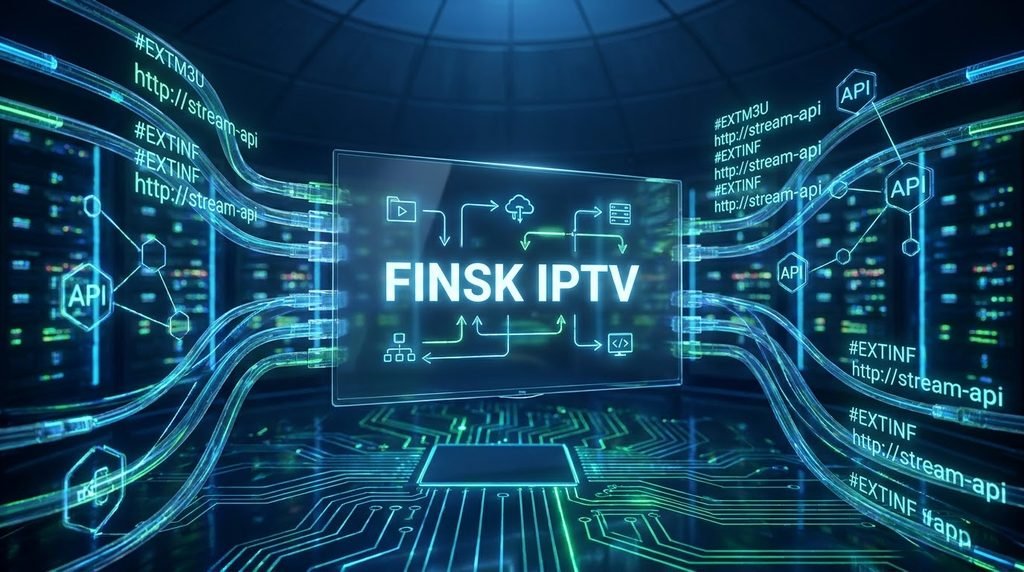
IPTV delivery operates primarily through two structural protocols: M3U URL playlists and the Xtream Codes Application Programming Interface (API).
M3U Playlists: Plain-text files containing stream URLs alongside metadata such as channel names, group titles, and logo file links.
Xtream Codes API: A server-side database protocol that separates live TV channels, VOD movies, and series into organized categories while managing authentication via username and password.
Using Xtream Codes API connection parameters typically improves app loading speeds compared to parsing massive single-file M3U playlists.
Essential Bandwidth and Network Requirements
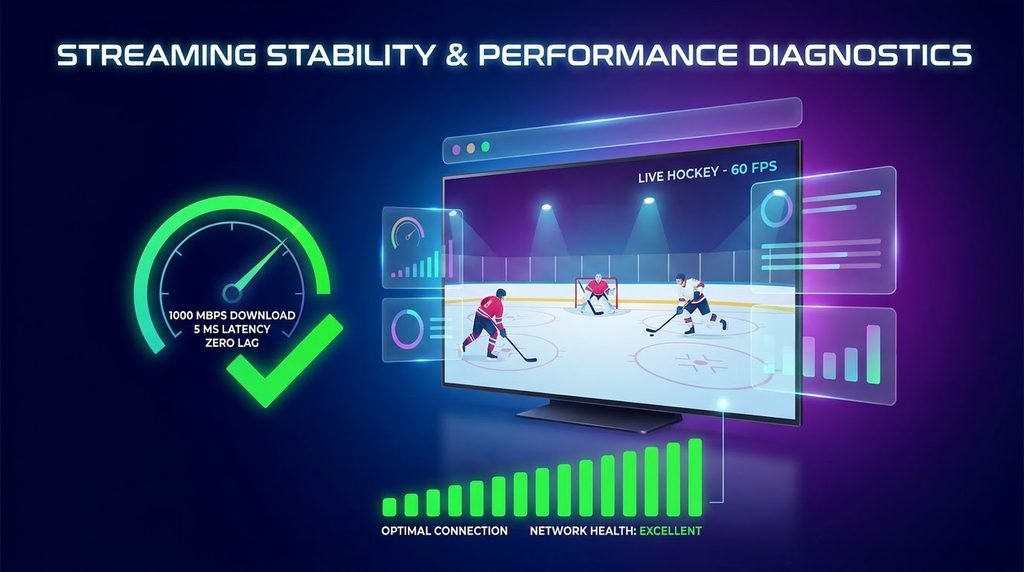
To ensure buffer-free playback when accessing finsk iptv streams, your network connection must satisfy minimum throughput and ping thresholds. High-bitrate 60fps streams, frequently used for live Finnish sports, demand consistent local stability.
Standard Definition (SD): Minimum 5 Mbps steady download speed.
High Definition (HD 1080p): Minimum 15 Mbps download speed with ping under 50ms.
Ultra High Definition (4K UHD): Minimum 25 Mbps to 30 Mbps dedicated line bandwidth.
Where possible, connecting streaming hardware directly to your router via an Ethernet cable prevents Wi-Fi signal degradation and packet loss.
Key Takeaway: IPTV relies on stable, low-latency broadband connections; selecting Xtream Codes API credentials over standard M3U files provides faster channel switching and better library organization.
How to Set Up Finsk IPTV on Your Favorite Devices
Setting up finsk iptv requires choosing a compatible playback application and configuring your account parameters. Modern media players run natively on streaming media sticks, Android set-top units, and smart TV operating systems.
Readers seeking active subscription credentials or setup support can explore Nordic IPTV Pricing or review answers on the Nordic IPTV FAQ page.
1.Download an IPTV Player:Select a verified application from your device store.
Install a player app such as TiviMate, IPTV Smarters Pro, or Smart IPTV on your streaming box or TV.
2.Input Server Credentials:Choose M3U Playlist URL or Xtream Codes API.
Open the app’s playlist setup screen. Enter your server URL, username, and password provided by your subscription.
3.Load EPG Electronic Program Guide:Import programming schedules for local channels.
Attach the EPG source URL to populate channel schedules, channel icons, and upcoming show times.
4.Optimize Playback Settings:Configure hardware decoding and buffer size.
Set video decoding to ‘Hardware (HW)’ and adjust the buffer size to ‘Medium’ or ‘Large’ for smooth live sports.
Configuring Amazon Firestick and Android TV Devices
Amazon Fire TV devices and Android TV boxes (such as NVIDIA Shield or Chromecast with Google TV) represent the most flexible platforms for streaming.
Navigate to the app store on your Android TV or Firestick interface.
Search for TiviMate IPTV Player or IPTV Smarters Pro and install the application.
Launch the application and select Add Playlist.
Choose Xtream Codes Login and enter your server address, account username, and account password.
Allow the application 1–2 minutes to process the channel index and Electronic Program Guide.
Setting Up Smart TVs running Samsung Tizen or LG webOS
Smart TVs manufactured by Samsung or LG operate proprietary operating systems that use specialized player applications.
Samsung Tizen: Open the Samsung App Store, search for IBO Player, SET IPTV, or Hot Player, and download the software.
LG webOS: Search the LG Content Store for Smart IPTV, Nanomid, or IBO Player.
Activation: Most Smart TV apps display a unique MAC address upon first launch. Visit the app developer’s online portal on a secondary device, enter your MAC address, and upload your M3U playlist link or API details.
Key Takeaway: Dedicated media players like TiviMate provide superior channel management and EPG performance on Android/Fire TV compared to default Smart TV app stores.
Evaluating Performance, EPG Guides, and Channel Stability
Evaluating a finsk iptv service requires analyzing stream stability, server distribution, and EPG mapping accuracy. High-quality services maintain redundant server networks across European data centers to handle peak viewership during live Finnish sports events.
The following decision matrix outlines key hardware, software, and operational parameters based on official platform specifications and technical documentation.
Finsk IPTV Performance & Compatibility Matrix
Feature / Criteria
Android TV / Firestick
Samsung / LG Smart TV
Apple TV (tvOS)
PC / Windows / Mac
Recommended App
TiviMate / Smarters Pro
IBO Player / SET IPTV
GSE Smart IPTV / iPlayTV
VLC / IPTVnator
Connection Method
Xtream Codes API / M3U
MAC Portal / M3U Link
Xtream Codes / M3U
M3U File / URL
Min. Recommended RAM
2 GB or higher
Integrated OS RAM
3 GB (Apple A12+)
4 GB or higher
EPG Support
Full XMLTV Auto-Sync
Basic Portal EPG
Advanced XMLTV EPG
Manual XMLTV File
4K / 60fps Playback
Native HW Decoding
Native OS Decoding
Native Apple Silicon
GPU Hardware Acceleration
Optimal Connection
Ethernet Adapter
Wi-Fi (5 GHz) / LAN
Ethernet / Wi-Fi 6
Gigabit LAN Cable
Troubleshooting Buffering and Stream Interruptions
If you encounter buffering, freezing, or missing audio while viewing finsk iptv streams, systematically test these network factors:
ISP Throttling: Internet Service Providers sometimes restrict high-bandwidth UDP streaming traffic during peak hours. Testing a secure VPN routed through a local Nordic node can reveal whether bandwidth throttling is occurring.
Buffer Overhead: Increase your IPTV player’s pre-buffer cache from zero to 5 or 10 seconds. This creates a cushion against micro-drops in wireless throughput.
Audio Output Settings: If a channel has picture but no sound, change the player’s audio decoder setting from Direct HW to Software (SW Audio Parsing).
App Cache Cleansing: Over time, guide metadata accumulates in device memory. Clear the application cache via your device’s settings menu every few weeks.
Key Takeaway: Buffering is most frequently caused by local Wi-Fi interference or ISP video throttling; utilizing 5 GHz Wi-Fi or Ethernet along with hardware decoding resolves most playback issues.
Frequently Asked Questions About Finsk IPTV
What internet speed is required to stream finsk iptv?
A stable connection of at least 15 Mbps is recommended for HD broadcasts, while 4K streams and 60fps live sports require 25 to 30 Mbps dedicated bandwidth.
Can I watch Finnish IPTV channels while living abroad?
Yes, IPTV services stream over standard internet connections worldwide, allowing Finnish expats to access home channels wherever broadband is available.
Which app is best for finsk iptv on Firestick?
TiviMate and IPTV Smarters Pro are widely considered the top applications due to their interface customization, fast EPG loading, and Xtream Codes integration.
How do I update the EPG program guide on my TV?
Most modern IPTV apps refresh EPG data automatically every 24 hours. You can also manually trigger an update inside your player’s playlist settings menu.
Why does my stream freeze during live hockey games?
Freezing during major sports events usually stems from server congestion or local network buffer depletion. Switch to an Ethernet connection and increase your app’s buffer size.
What to Do Next
To explore optimal setup configurations, check channel lineups, or verify server compatibility for your streaming hardware, visit Nordic IPTV to review available setup guides and subscription plans.